Why Does My Solar Inverter Shut Off?
Your solar inverter shuts off most commonly because of grid voltage fluctuations triggering UL 1741 safety limits, internal overheating from poor ventilation, DC ground faults in your wiring, or—most often—a utility grid blackout. If you have a traditional grid-tied inverter, it is legally required to shut down during any power outage.
I get this call every time there's a storm. Homeowners panic when they see their solar inverter display go dark, thinking something is broken. Most of the time, the inverter is doing exactly what it's designed to do: protect itself, your home, and utility workers.
Let me walk you through what's actually happening and how to diagnose each scenario.
Reason 1: Grid Outage (UL 1741 Anti-Islanding)
This is the #1 cause and the most misunderstood. Your standard string inverter isn't broken—it's following federal law.
Per US safety regulations (UL 1741), all grid-tied inverters must immediately shut down when utility power drops. This prevents your solar panels from sending live voltage back into power lines and electrocuting utility workers repairing the grid.
What happens:
-
Grid voltage drops or disappears
-
Inverter detects the fault within 2 seconds
-
Inverter disconnects and stops producing power
-
Your solar panels sit idle on your roof, producing zero watts
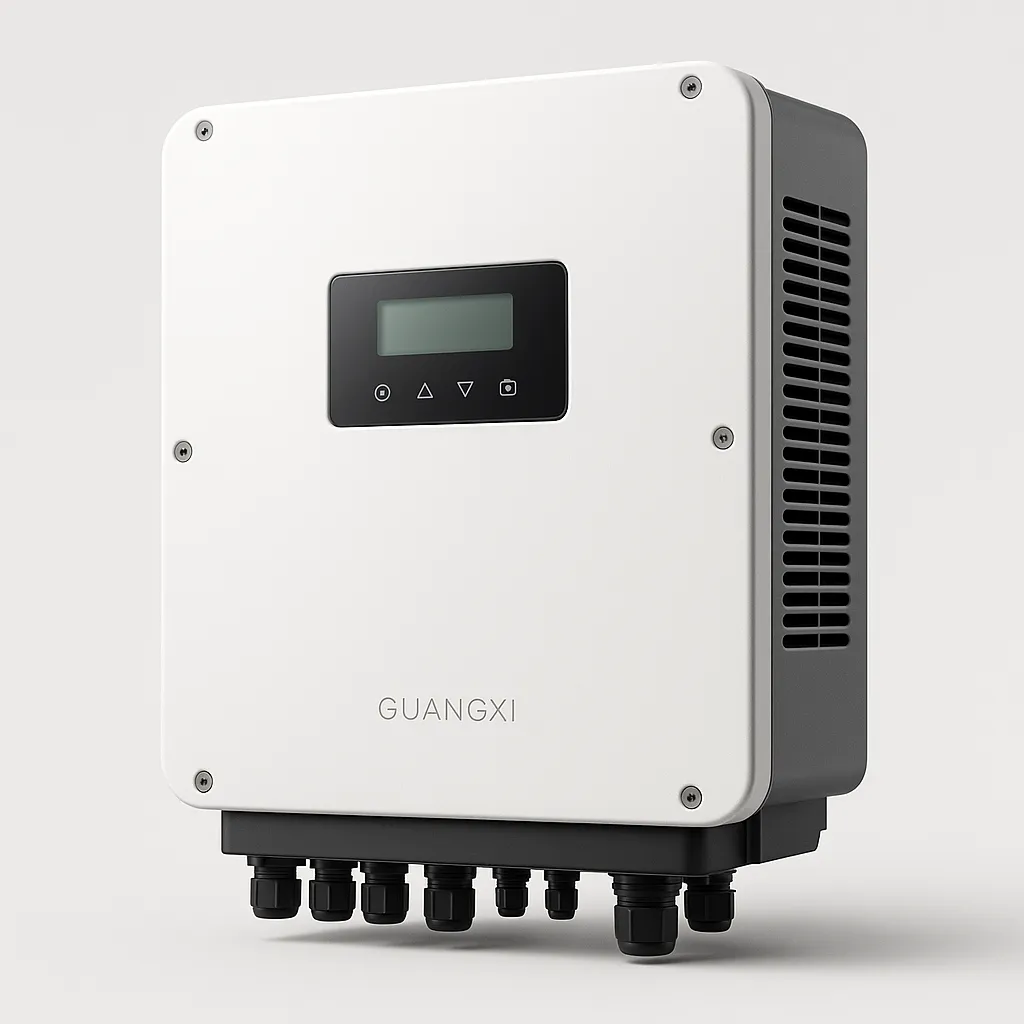
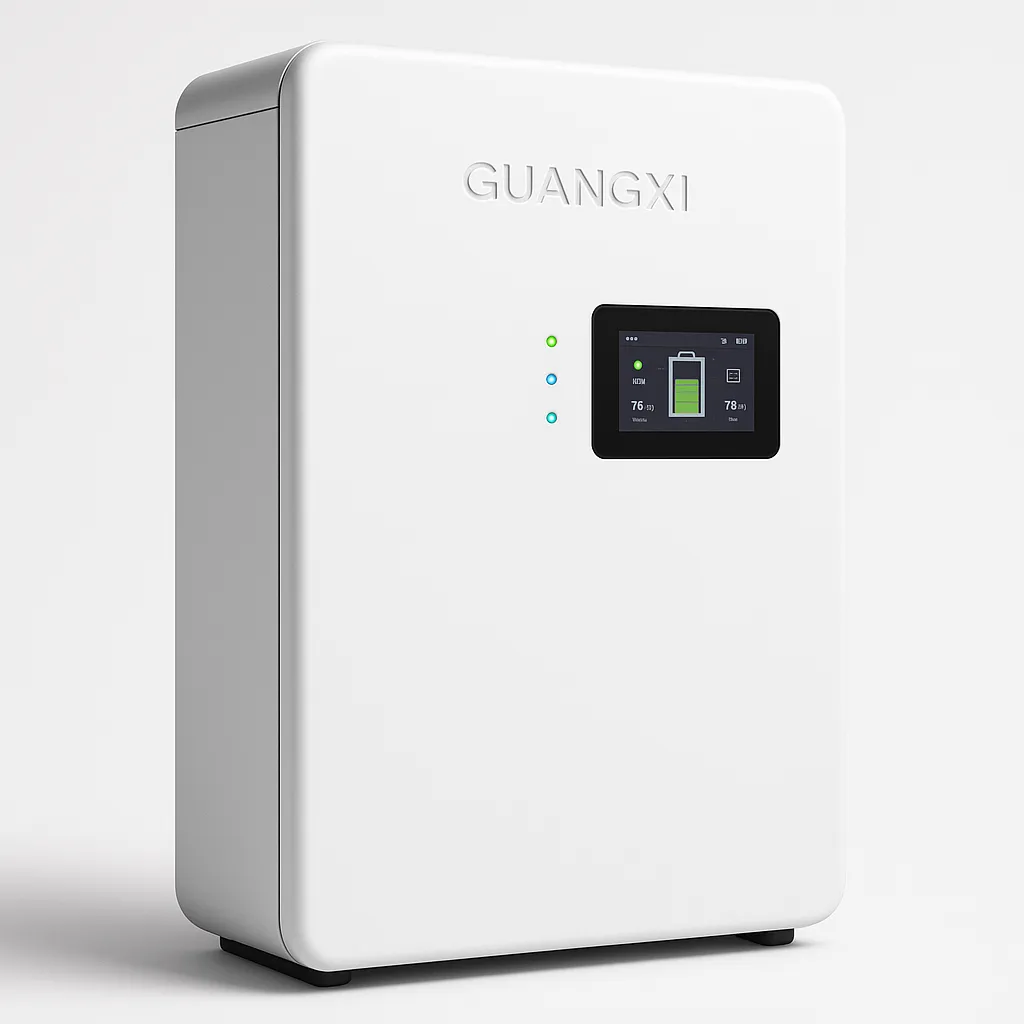
The fix: This isn't a bug—it's a safety feature. If you want power during outages, you need a hybrid inverter with battery backup. These units isolate your home from the grid (satisfying UL 1741) while continuing to power your critical loads from battery.
Real case: A Texas homeowner with a hybrid inverter watched his neighbor's lights go dark during a spring storm while his TV stayed on. His system transferred to battery in under 10ms—he didn't even notice the grid had failed (CASE-001).
Reason 2: Over-Temperature Protection
Electronics hate heat. If your inverter is mounted in a blazing-hot Arizona garage or on a south-facing exterior wall with no shade, it will protect itself.
The progression:
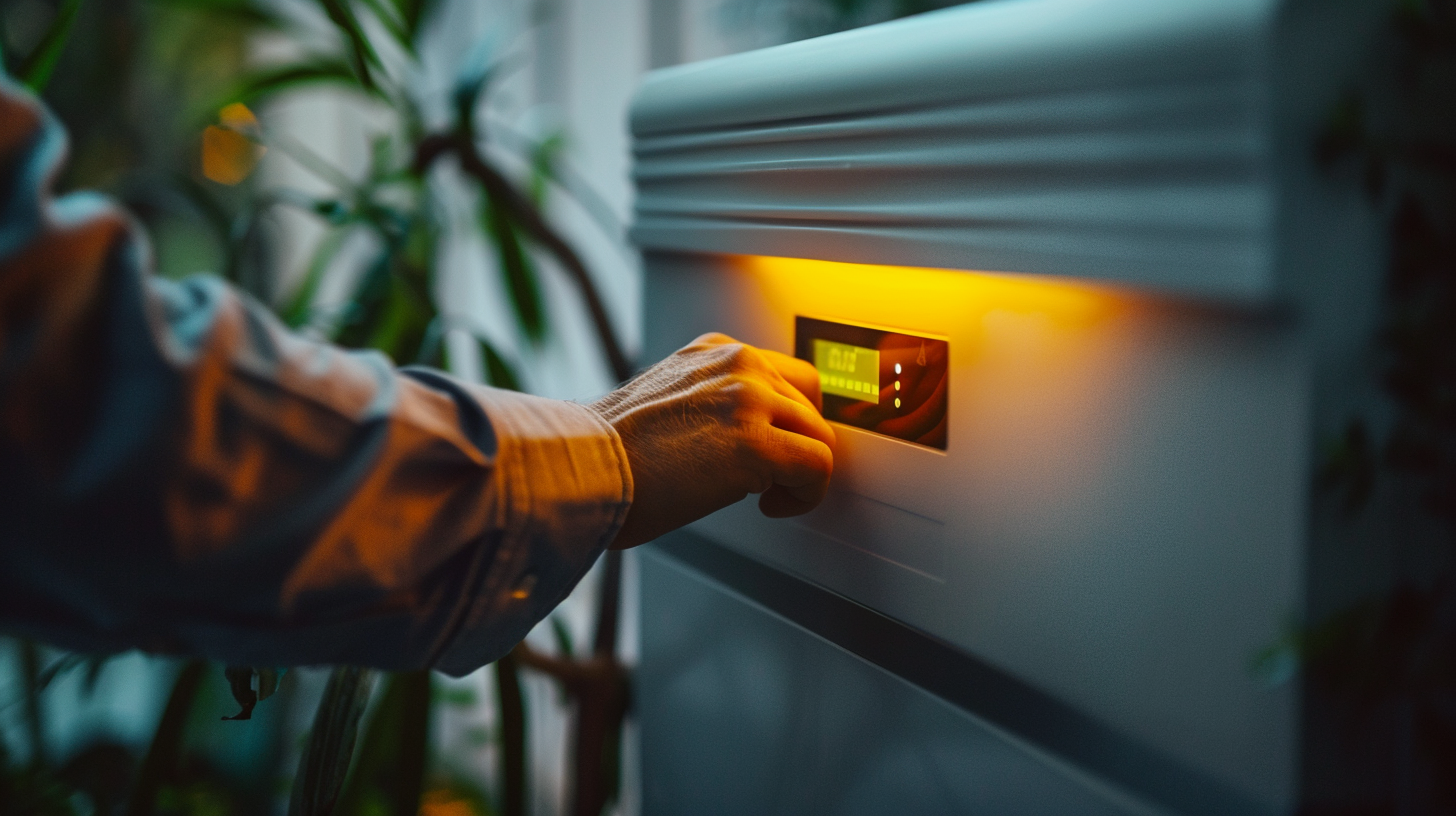
Diagnosis: Check the inverter display for error codes like "Over Temperature" or "OT." Touch the casing—if it's too hot to hold your hand on comfortably, thermal protection is likely triggered.
The fix:
-
Ensure minimum 12 inches clearance on all sides for airflow
-
Relocate the inverter to a shaded area if possible
-
If you're in the Sun Belt (TX, AZ, NV), product selection matters
Our units maintain 100% output at 113°F (45°C) thanks to die-cast aluminum heat sinks and intelligent fan control (TEST-002). An Arizona homeowner confirmed: "45°C ambient, no derating, full power output" (CASE-003).
Reason 3: DC Ground Fault
This is the scary one. A ground fault occurs when DC current finds an unintended path to ground—usually through damaged wiring, water intrusion, or rodent-chewed cables.
Symptoms:
-
Inverter displays "Ground Fault" or "GFCI" error
-
You may smell burning plastic near the array
-
In some cases, visible arc flash at connection points
Why it's dangerous: DC ground faults can cause arc flash fires. Solar strings can produce up to 500Vdc—enough to create lethal arcs.
The fix:
-
Turn OFF the PV disconnect switch immediately
-
Do NOT touch any DC wiring
-
Call a licensed electrician or solar technician
This is not a DIY repair. Ground faults require professional diagnosis with proper equipment.
Reason 4: Grid Voltage Out of Range
Your inverter constantly monitors grid voltage. Per UL 1741, it must disconnect if voltage strays outside acceptable limits:
|
Condition
|
Range
|
Response
|
|
Normal
|
106V-132V (on 120V nominal)
|
Continue operation
|
|
Under-voltage
|
<106V
|
Disconnect within 2 seconds
|
|
Over-voltage
|
>132V
|
Disconnect within 2 seconds
|
Why this happens:
-
Utility grid instability during high-demand periods
-
Faulty transformer on your street
-
Other solar systems on your transformer pushing voltage high
Diagnosis: Check your inverter's error log for "Grid Voltage High" or "Grid Voltage Low" errors.
The fix: If this happens frequently, contact your utility company. They may need to adjust the transformer tap settings. Document the events with timestamps—utilities are required to maintain voltage within spec.
Reason 5: Firmware or Communication Fault
Sometimes the issue is software, not hardware. Modern inverters run complex firmware that occasionally bugs out.
Symptoms:
-
Display freezes or shows garbled text
-
App shows inverter "offline" despite good WiFi signal
-
Error codes that don't match any physical condition
The fix:
-
Power cycle the inverter: turn off AC breaker, wait 30 seconds, turn back on
-
If the problem persists, check for firmware updates via the manufacturer's app
-
Contact tech support for remote diagnosis
Real experience: "Had a minor issue connecting the BMS to my battery bank. Reached out to their US-based tech support and got an answer in 10 minutes. Problem solved!" (FEEDBACK-004)
Quick Diagnostic Checklist
|
Symptom
|
Likely Cause
|
Immediate Action
|
|
No display, neighborhood power out
|
Grid outage (normal)
|
Wait for grid restoration OR upgrade to hybrid with battery
|
|
"Over Temperature" error
|
Thermal protection
|
Improve ventilation, check fan operation
|
|
"Ground Fault" error
|
DC wiring fault
|
Turn off PV disconnect, call professional
|
|
"Grid Voltage" error
|
Utility issue
|
Document, contact utility company
|
|
Display frozen/glitchy
|
Firmware issue
|
Power cycle, update firmware
|
The Upgrade Path
If your inverter shutting off during outages is a recurring frustration, the solution is a hybrid inverter with battery backup. Unlike standard grid-tied units, hybrid inverters can:
-
Disconnect from the grid (UL 1741 compliant)
-
Continue powering your home from battery
-
Provide <10ms transfer time (seamless)
-
Output native 120V/240V for heavy loads
"I survived Hurricane Milton without a hitch," reported a Florida homeowner. "The grid was down for 3 days, but my solar setup kept the fridge cold and the well pump running." (FEEDBACK-003)
Still troubleshooting? Snap a photo of your inverter's error display and send it to our US-based tech team. We'll diagnose remotely and tell you whether it's a quick fix or needs a technician visit.